CapCad component
CapSign
Type the message. CapSign lays out the sign to your country's standard: letters, spacing, arrows, borders and plate size, inside AutoCAD, Civil 3D, ZWCAD, BricsCAD, GstarCAD and ARES Commander or on its own.
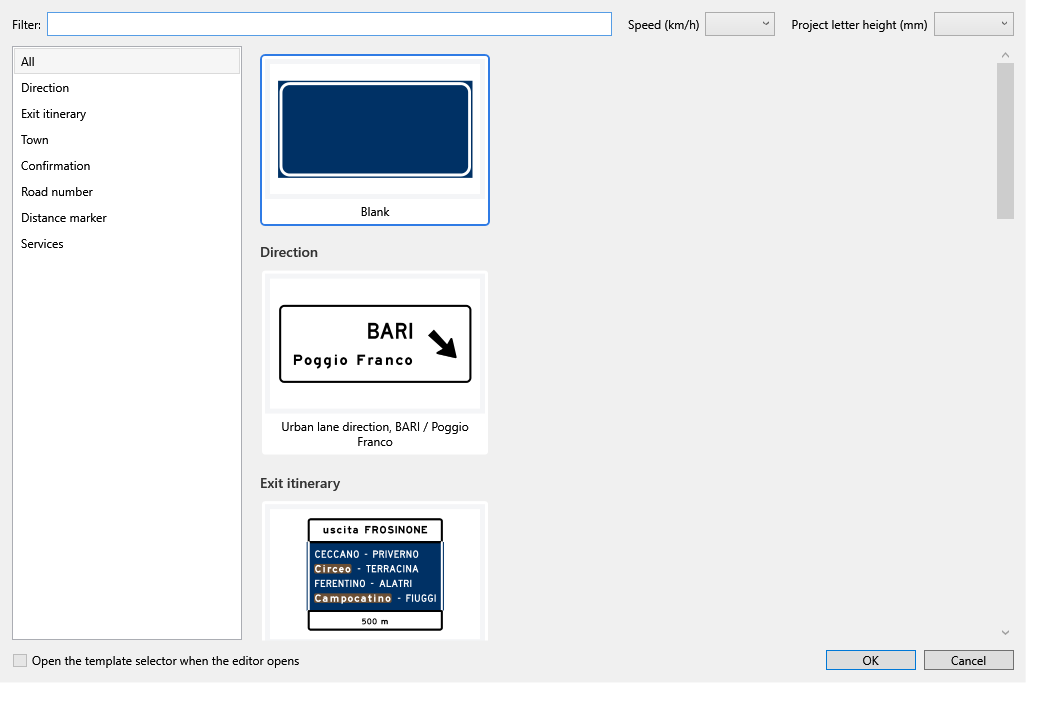
Signs made in CapSign
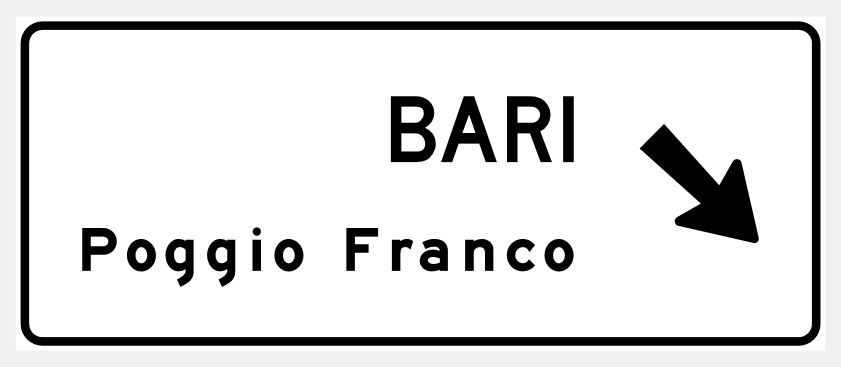
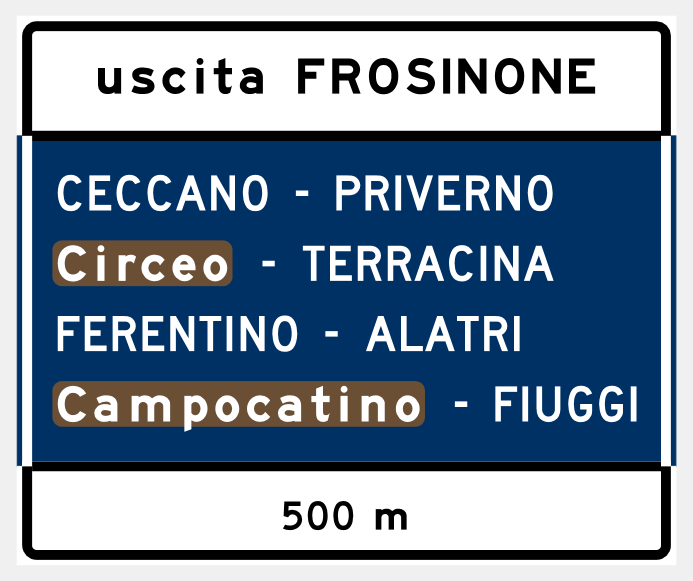
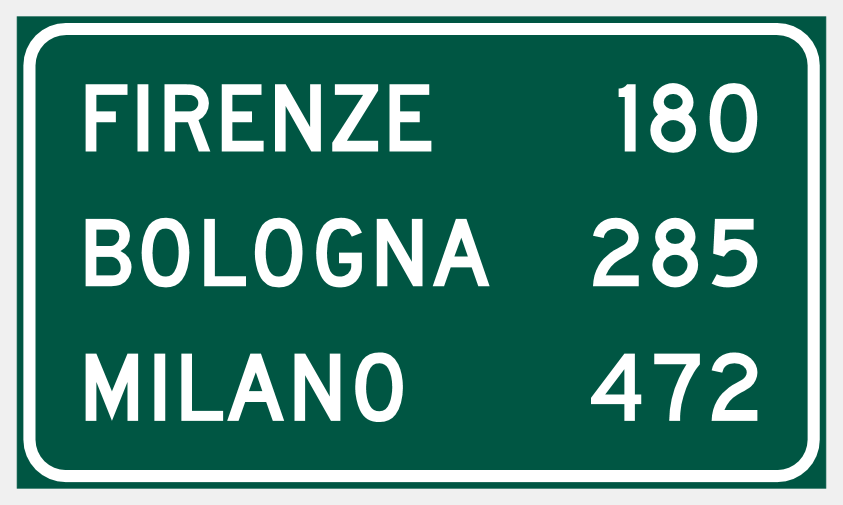
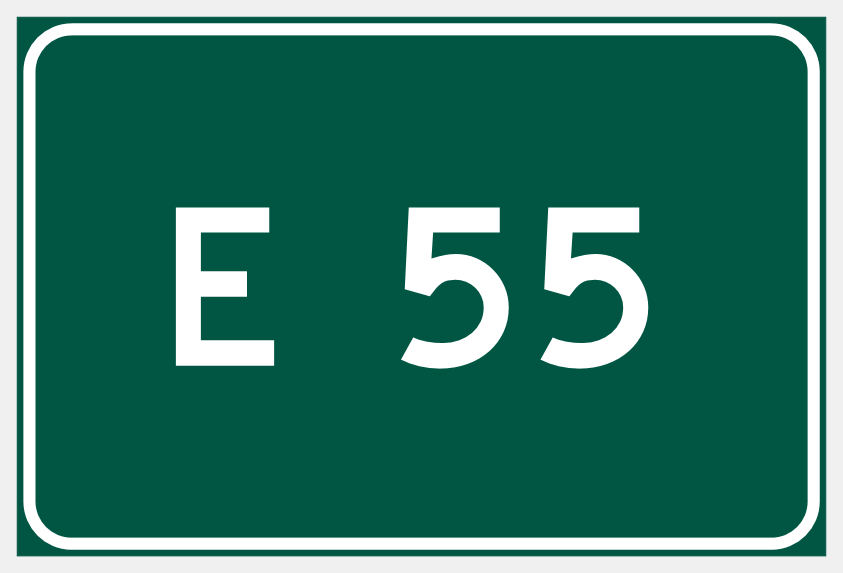
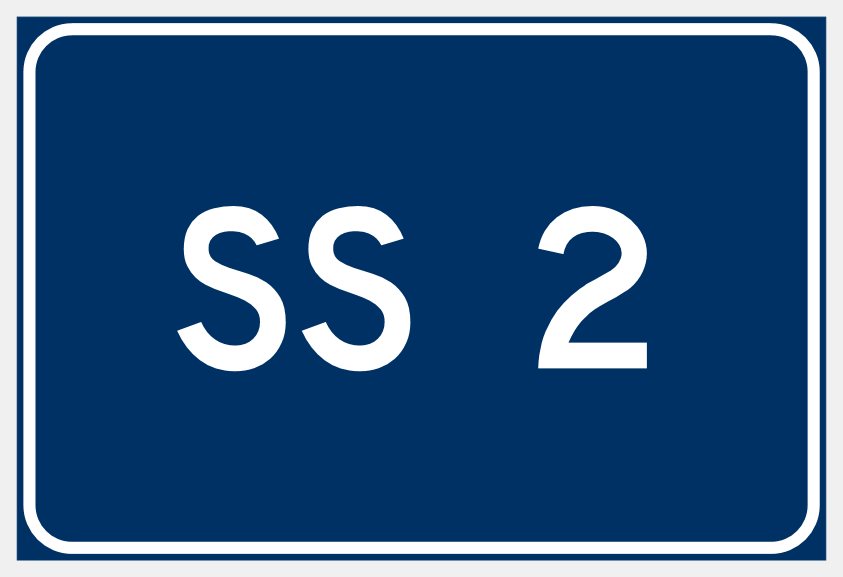
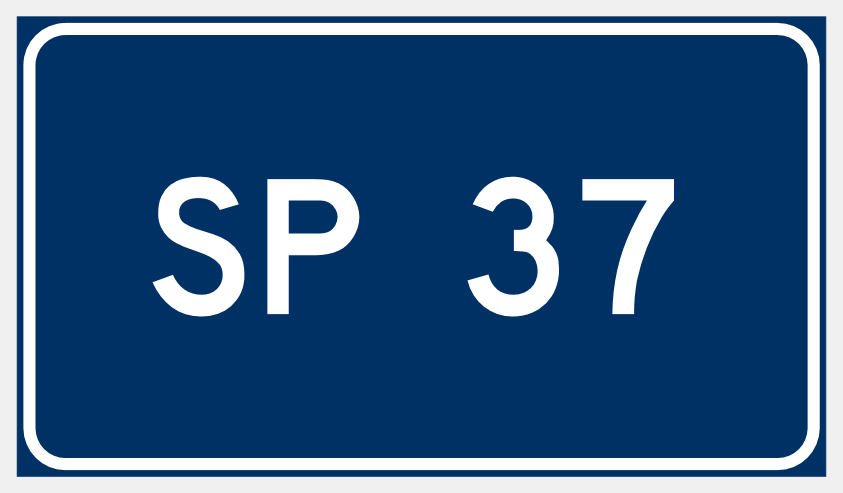
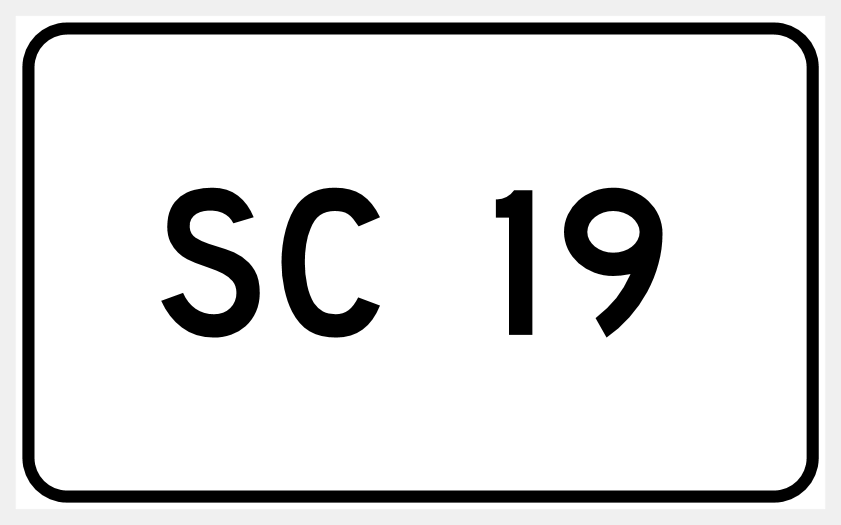
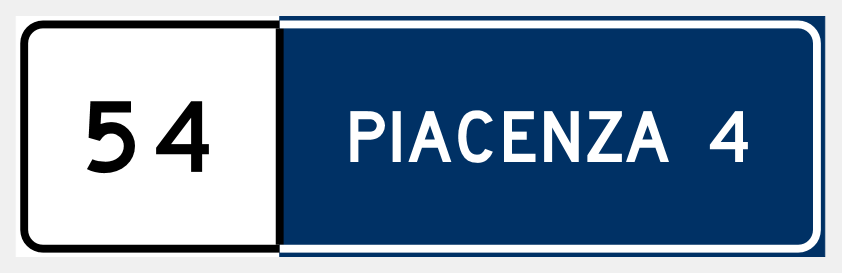
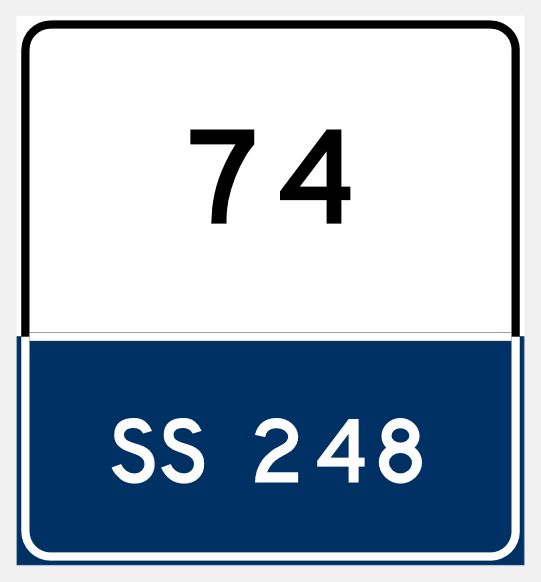
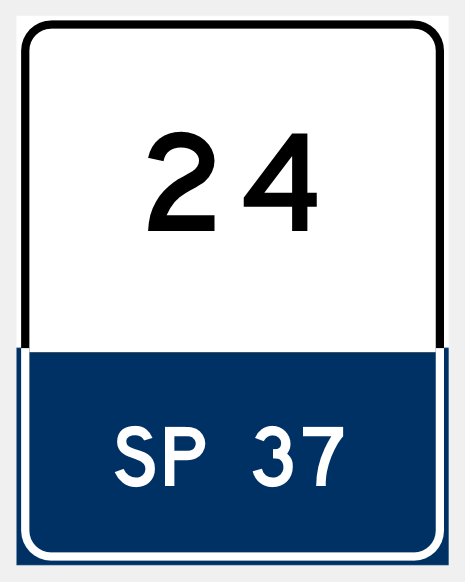
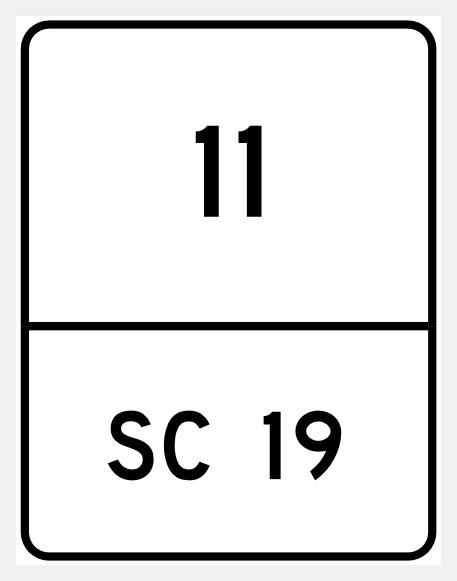
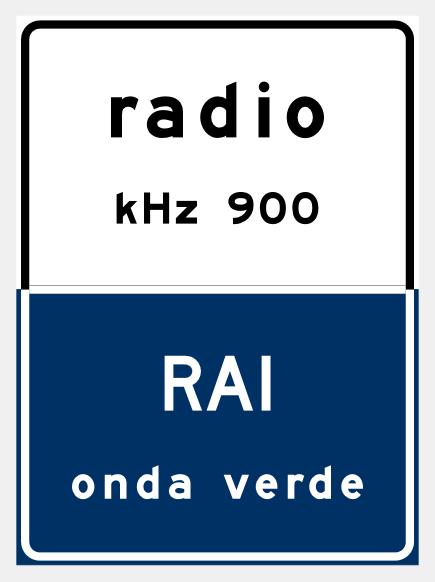
Models that come with CapSign, from the country's own manual. Pick one, change the names, and the sign follows.
Regolamento di esecuzione del Codice della Strada, DPR 495/1992


What CapSign does
Everything a sign needs, from the first line of text to the fabrication sheet.
Official letter series
The standard's letter series with every letter's real width and spacing. Not a look-alike font: the series itself.
A sign that rearranges itself
Every element leans on its neighbour at the distance the standard asks for. Change a destination and the whole sign follows, with nothing to move by hand.
Checked as you work
Each rule of the country's manual is checked live, with its page number. Many faults fix themselves with one click, shown before they are applied.
Many countries, one tool
Pick the country, and letter heights, plate tables, colours and checks become its own. More than twenty countries, with spell checking against place names where the country has word lists.
From a picture to a sign
Give the AI a picture of existing signs and get them back laid out to the standard, ready to review and save.
Detail sheet and quantities
A fabrication sheet with every dimension, sheeting areas per colour, PDF and image export, and a sign book for the whole project.
Into the CAD project and back
In AutoCAD, Civil 3D, ZWCAD, BricsCAD, GstarCAD and ARES Commander the sign goes into the drawing as a block, with its detail sheet, and comes back to the editor whenever it has to change.
In CAD or on its own
The same editor runs inside the CAD or as its own Windows program, for whoever only needs signs.
Your way of working
Several signs open in tabs, undo per sign, autosave and recovery, metric or imperial units, dark theme and keyboard shortcuts you can change.
How it works
A finished sign in about a minute.
Pick a template
Templates for each kind of sign, already to the standard. Choose the road speed and the letter height follows.
Write the destinations
Type straight onto the sign. Lines, arrows and pictograms take the standard's sizes and spacing by themselves.
Check against the standard
Faults show while you work. Apply fixes corrects what can be corrected automatically and shows the result first; the rest waits for your decision.
Deliver
Insert it in the drawing, save it to the project with its detail sheet, or export PDF, image and the sign book.
Get CapSign
CapSign can be bought on its own, apart from CapCad, at modest prices. Get in touch for terms and prices.